
- Free
- Ongoing
Learn PCB Design For Robotics With KiCAD
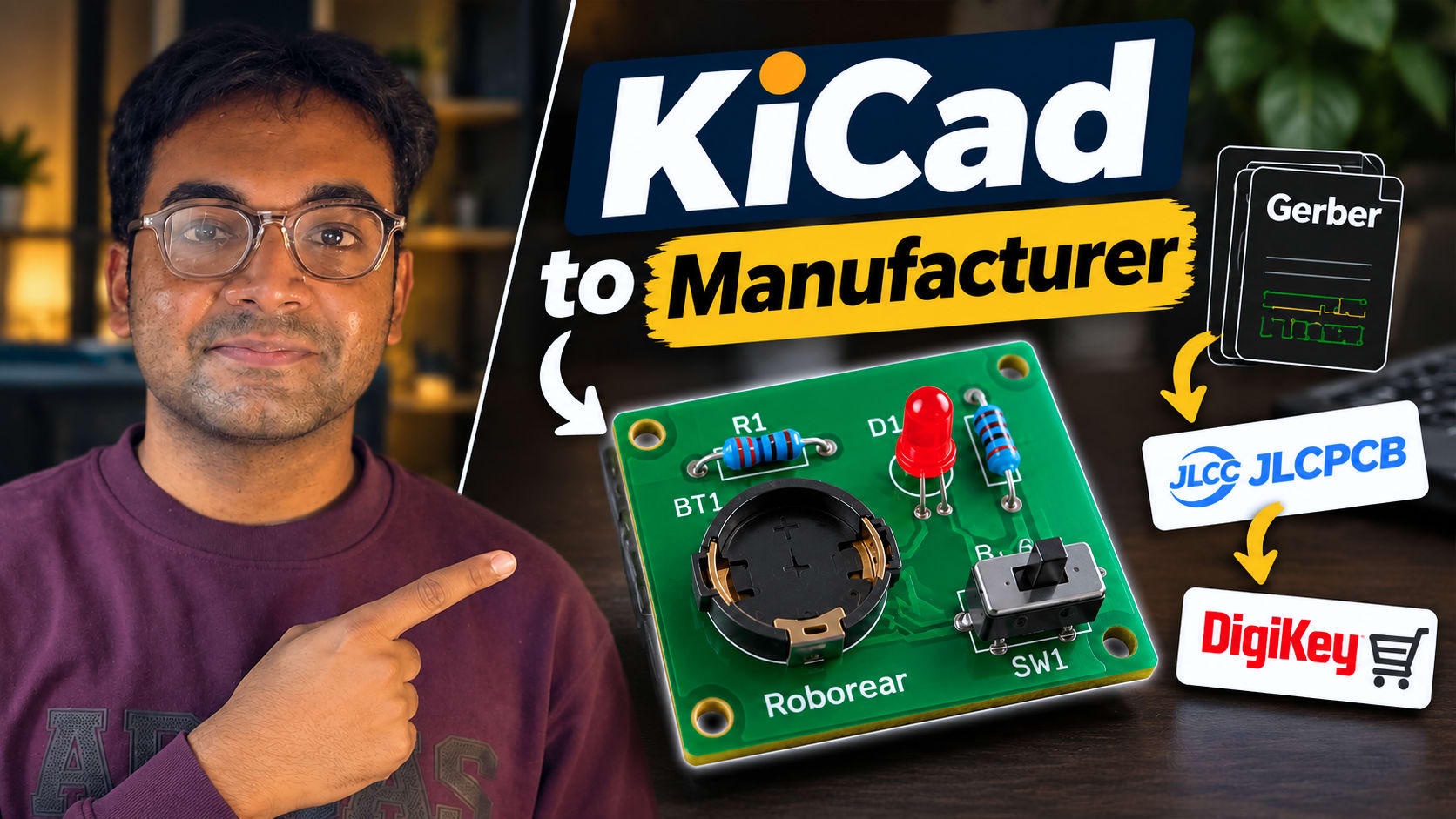
Welcome to the comprehensive playlist "Learn PCB Design For Robotics With KiCAD," hosted by Roborear This series is designed as your one-stop solution for your robotics journey, bridging the gap between creative concepts and professional technology. Whether you are a beginner, a hobbyist, or looking for robotics-for-kids content, this playlist provides hands-on tutorials explained in a simple and practical way. 🛠️ Why This Playlist? In the world of robotics, moving from a messy breadboard to a custom-designed PCB is a major milestone. This playlist guides you through that exact transition using KiCad, the industry-standard open-source electronics design suite. By the end of this series, you will be able to take your robotic circuit ideas—whether they involve ESP32, Arduino, or advanced sensors—and turn them into physical, professional-grade boards. 📚 What’s Included in This Series? The playlist currently features essential tutorials to get you started: KiCad Tutorial for Beginners: Design Your First Custom PCB This introductory guide covers the foundational steps of designing your very first custom PCB, setting the stage for more complex robotic applications. 🤖 About Roborear Roborear is an online Robotics Learning Platform where creativity meets technology. Our mission is to inspire learning and exploration through DIY electronics projects, circuit tutorials, and hands-on demonstrations. Beyond PCB design, our channel offers a wealth of knowledge on: Microcontrollers: Deep dives into ESP32 and Arduino using modern tools like VS Code and PlatformIO. Robotics Projects: Tutorials on RC cars with joystick controllers, distance alarms, and servo motor control. Robotics in Action: Real-world examples like Line Following Robot competitions and "Expectation vs. Reality" in robotics building. 🔗 Connect & Learn More Don't stop at the videos! Join our growing community of robotics enthusiasts: Website: roborear.com
5 lessons so far